What is fleet record keeping?
Fleet record keeping is the controlled register of vehicles, documents, responsibilities and events used to administer a fleet. Its purpose is to answer specific questions clearly: which vehicle exists, who uses it, which document is valid, what check comes next and where the information originated.
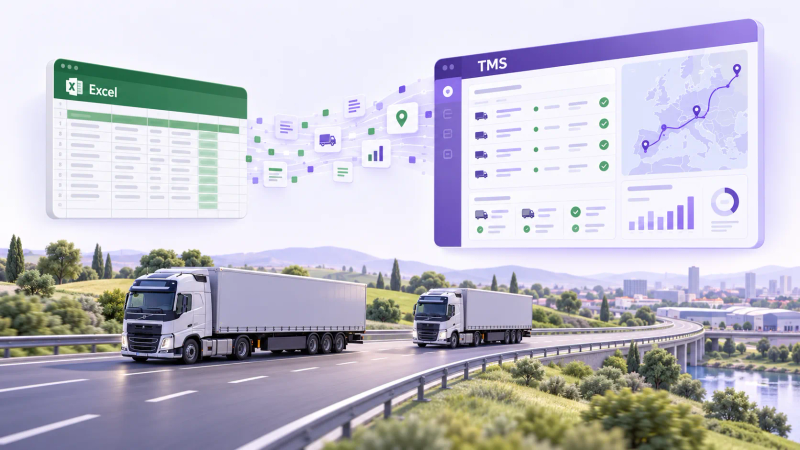
A useful register does not have to begin in dedicated software. A governed spreadsheet can work while volume, risk and the number of handoffs remain manageable.
Which data should you keep for each vehicle?
| Group | Example fields |
|---|---|
| Identity | registration number, VIN, make, model, category |
| Characteristics | mass, dimensions, capacity, body type |
| Ownership | owned, leased, partner vehicle, responsible role |
| Documents | type, number, issuer, start and expiry date |
| Service | mileage, intervention, supplier, cost, next check |
| Availability | period, reason, person confirming the state |
| Costs | category, period, currency, supporting document |
Define the source, owner and update point for each field. A column with no responsibility soon becomes a value nobody trusts.
When can Excel be enough for fleet records?
Excel can remain suitable when there is one workbook, a named owner, input rules, controlled access, history and periodic review. ICAEW guidance recommends matching documentation, control and testing to the risk and importance of the spreadsheet.
The question is not how many vehicles you have. It is how difficult it is to retain a reliable version and support the processes depending on it. For the full decision framework, see TMS vs Excel for transport companies.
What should you verify before choosing fleet management software?
Capabilities vary by product. Begin with your register and decisions:
| Need | Pilot test |
|---|---|
| Fields and categories | can it represent your actual vehicles and document types? |
| Responsibilities | do roles and permissions match the team? |
| Documents and dates | can it retain the required source, period and state? |
| Service and unavailability | are history and periods easy to verify? |
| Costs | do currency, period and supporting evidence remain clear? |
| Import and export | can you migrate, reconcile and retrieve usable data? |
| Other systems | does the required integration exist in the correct direction? |
Do not assume that “fleet software” automatically means GPS, maintenance, alerts, accounting or complete reporting. Ask for the selected configuration to be demonstrated.
Which measures can you calculate from the register?
Choose only measures that answer a decision and use comparable data:
- documented cost by vehicle and period;
- mileage and consumption when sources are consistent;
- available and unavailable days under clear definitions;
- interventions and workshop time;
- upcoming dates for the document types being tracked;
- planned versus recorded cost differences.
A measure is not useful merely because it appears in a chart. Record its formula, source and decision. For the cost structure, continue with the transport cost-per-kilometre guide.
How do you prepare an Excel migration?
- Inventory the sources. Include files, folders, documents, exports and maintainers.
- Select the fields to retain. Remove duplicates and data with no clear use.
- Assign owners. Every category needs a responsible person or role.
- Clean and standardize. Normalize dates, units, currencies and names.
- Map source to destination. Document where each field goes and how it changes.
- Test import and export. Use a representative sample, including exceptions.
- Run a pilot. Compare the result with the source register before changing the main process.
- Reconcile and approve. Record differences, correct them and obtain data-owner acceptance.
What is the difference between GPS, the fleet register and a TMS?
They are different layers:
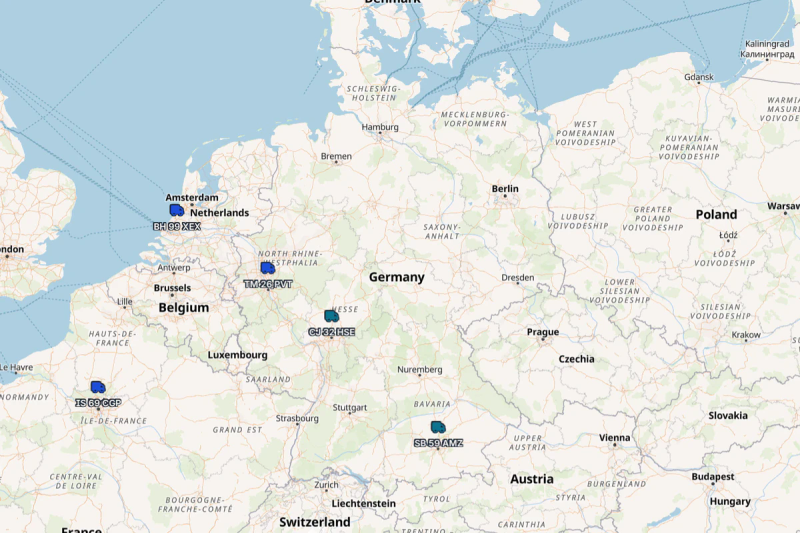
- the GPS platform provides positions and other telematics data within the device and service scope;
- the fleet register retains identity, documents, states and administrative history;
- the TMS may connect some resources with transport orders and operating workflow if the product and integration support it.
No layer automatically replaces the others. For the category boundary, see what a TMS is. If you want to retain your current tracking service, continue with the guide to TMS GPS integration.
How do you choose the right tool?
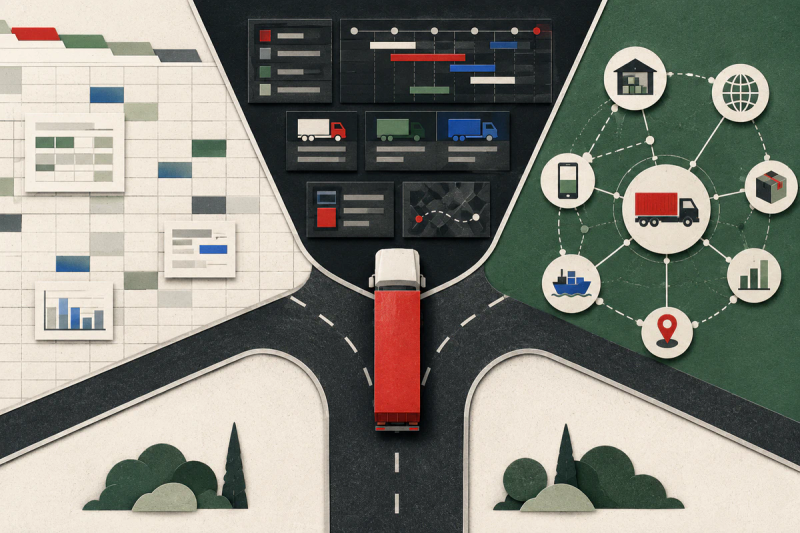
Keep Excel when the register remains controlled and sufficient for your decisions. Evaluate dedicated software when recurring transfers, responsibilities and checks exceed what you can govern safely. Migrate only after the selected configuration proves the fields, exceptions, import and export you need.